Community Explorer
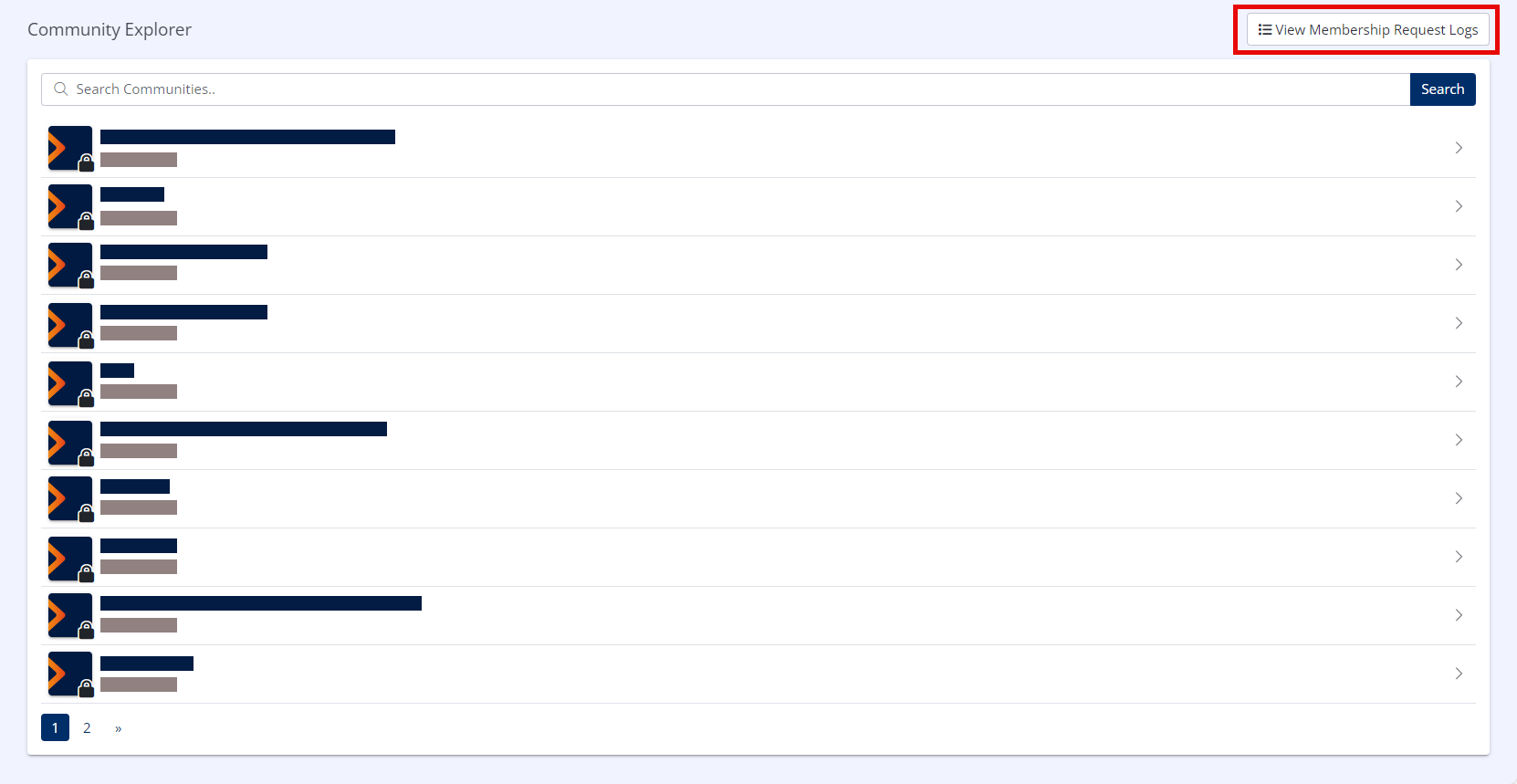
The Community Explorer will display a list of all publicly-visible Communities configured within Hub.
You may view details about any community and request to join it by clicking the name of the community in the list, and clicking Request to join COMMUNITY on the Community Details page.
You may view any requests you have made to join a community by clicking View Membership Request Logs in the upper right of the screen.