Last Revised: May 18, 2026
Support Requests
The Support Requests section is located in the Administration Menu.
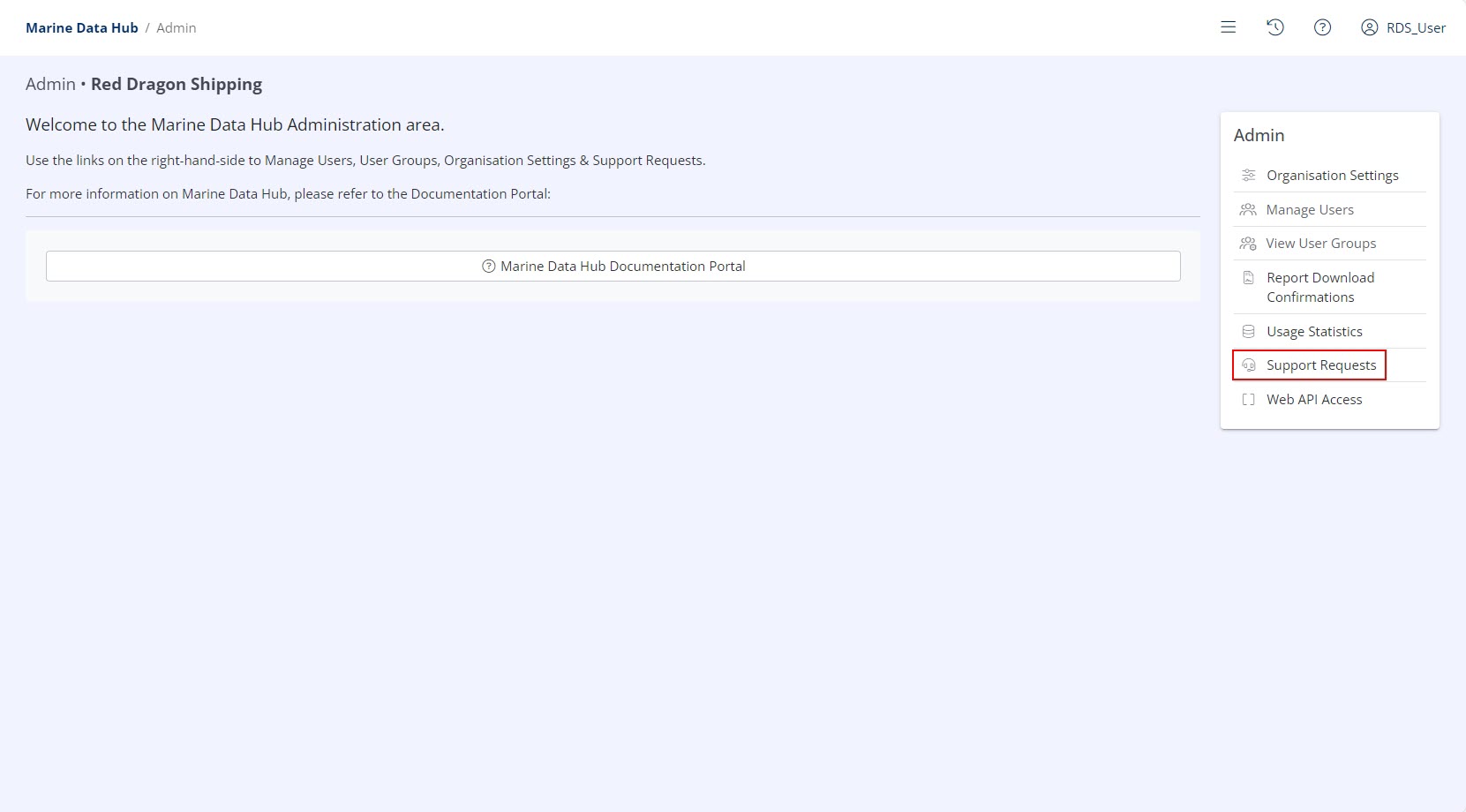
Available Options
Existing support requests will be displayed in the grid including their Status and Last Updated date.
New support requests may be created using the Create Support Request button.

New Support Requests
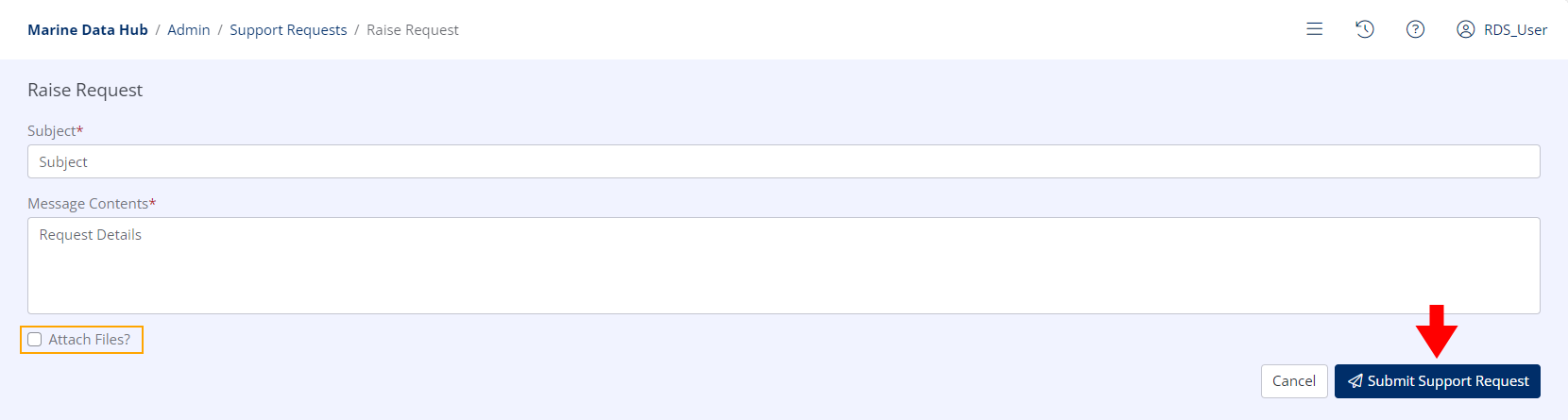
To raise a new support request, provide a Subject and input your query into the Message Contents field.
Optionally attach files to the request by checking the Attach files? check box and drag & dropping or selecting files from your device.
When all information is provided, click the Submit Support Request button. A support thread will be opened and sent to your Hub-registered email address.
Info
While the support thread is visible in the Administration Section, you should communicate with Hub Support via the email thread