Last Revised: May 18, 2026
Add Users to a User Group
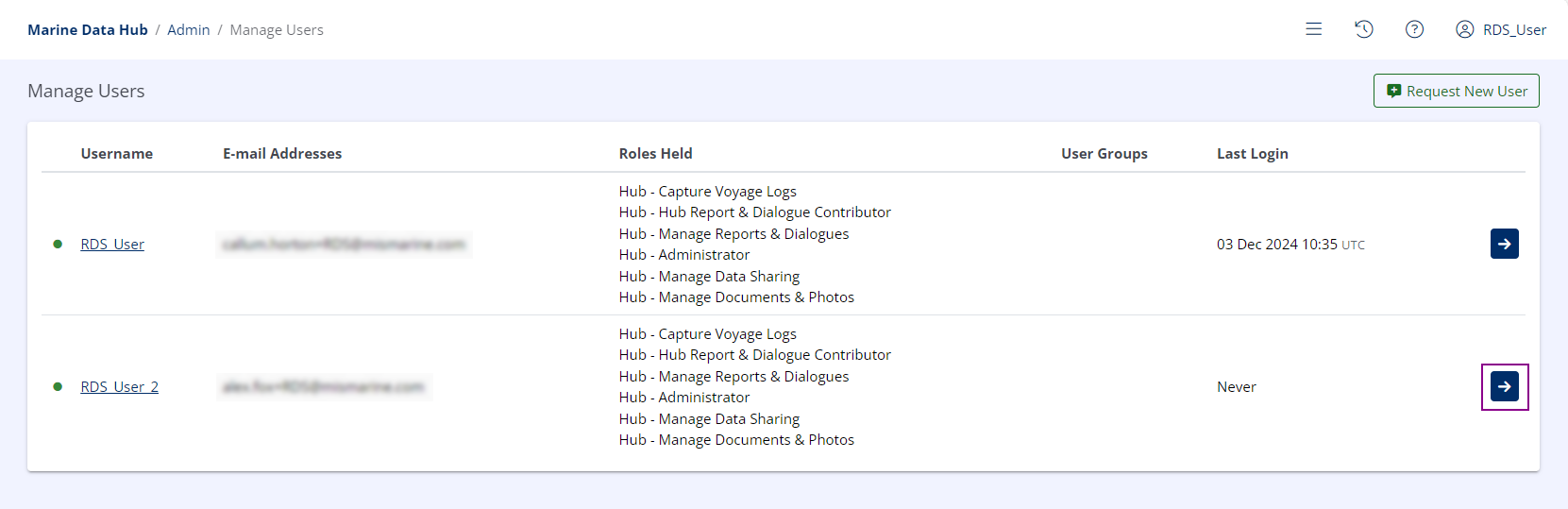
Select the Desired User
Click the View Details button (  ) next to the desired user.
Select Desired User Groups
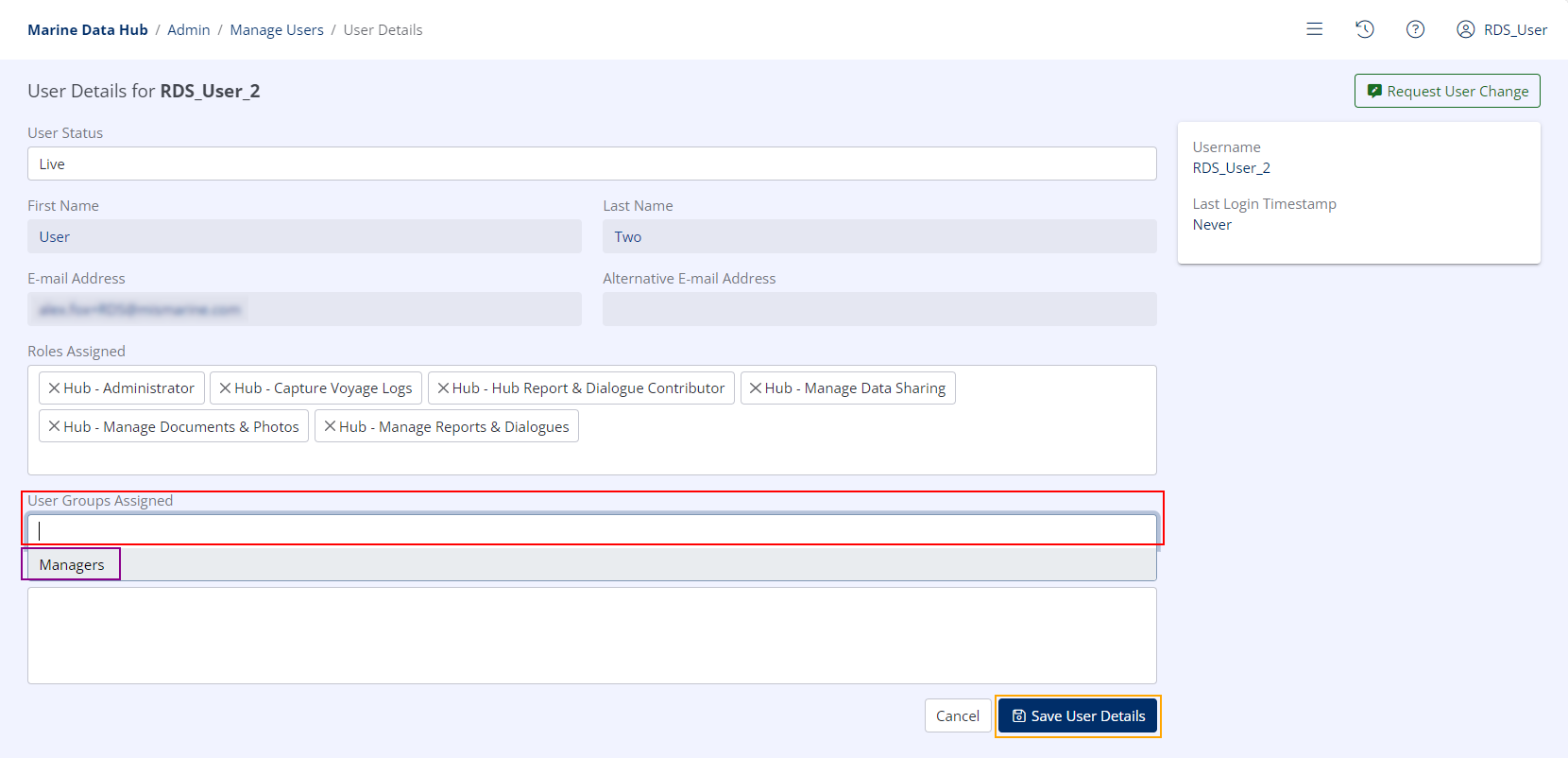
- Click the User Groups Assigned drop-down menu.
- Select all desired User Groups.
- Click Save User Details.
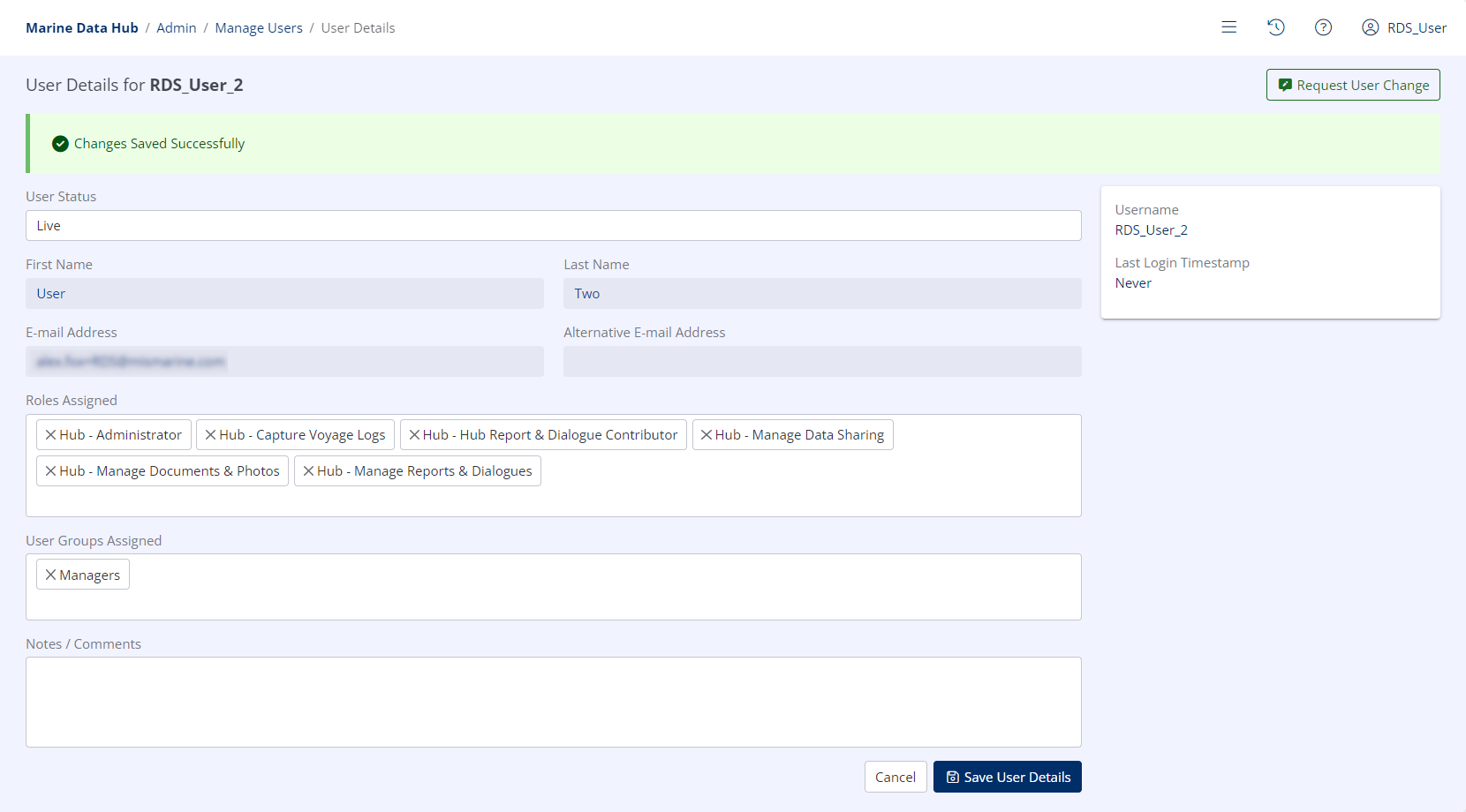
Success
The user is now a member of all selected User Groups.