Last Revised: May 12, 2026
Joining a Community
Info
You must request to join a Community before you may interact with it and this request must be approved by a Community Administrator.
Select the Correct Community
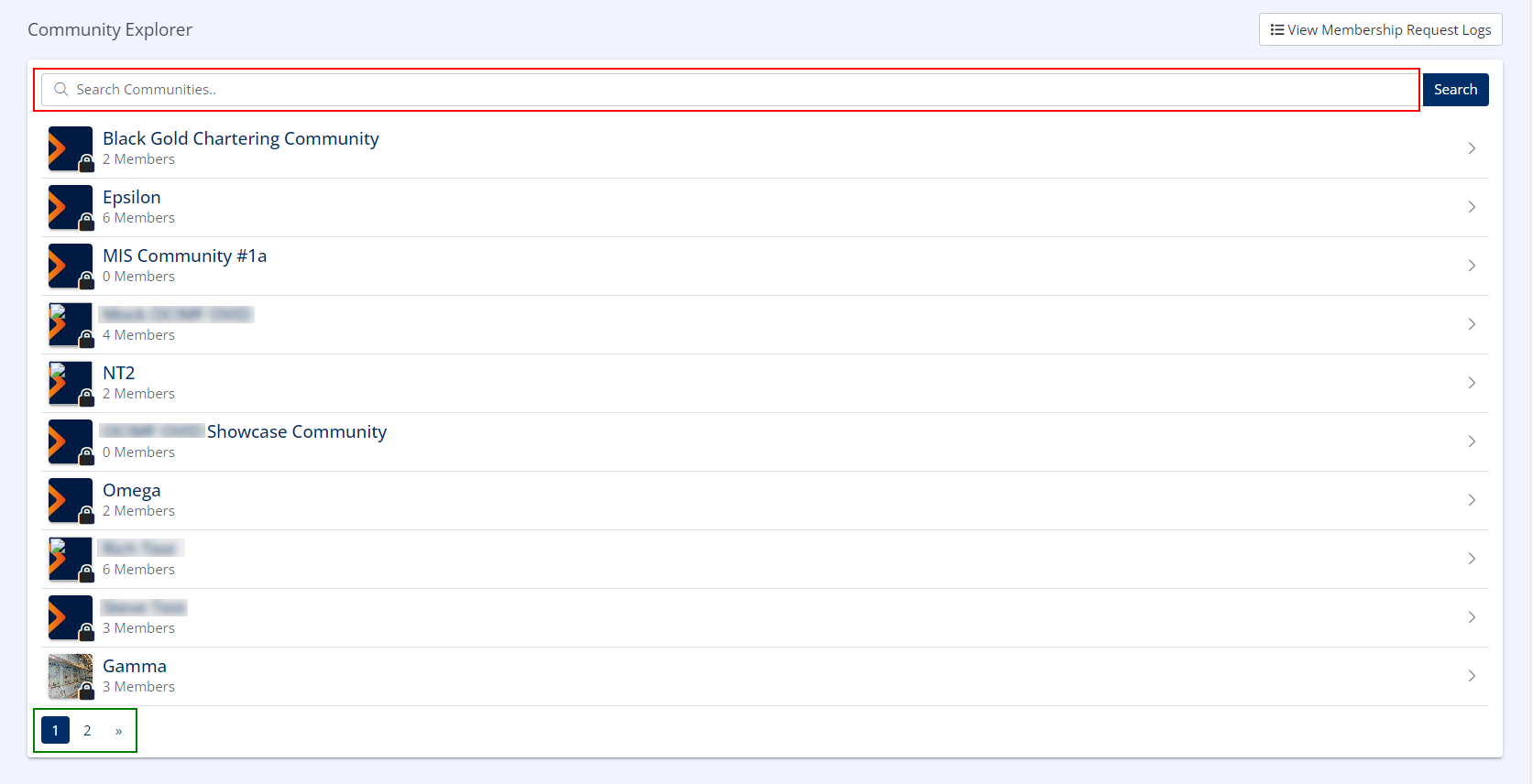
- In the left-hand menu under INDUSTRY INDEXES, click on Community Explorer.
-
Locate the community you wish to join in the index.
-
If you cannot locate the correct community in the list, you may need to use the Pagination Controls (if present) to select the next page(s).
- The index can be filtered using the Search Bar.
- Using the Community List, locate the correct community name.
- Click the Community Name.
Request to Join the Community
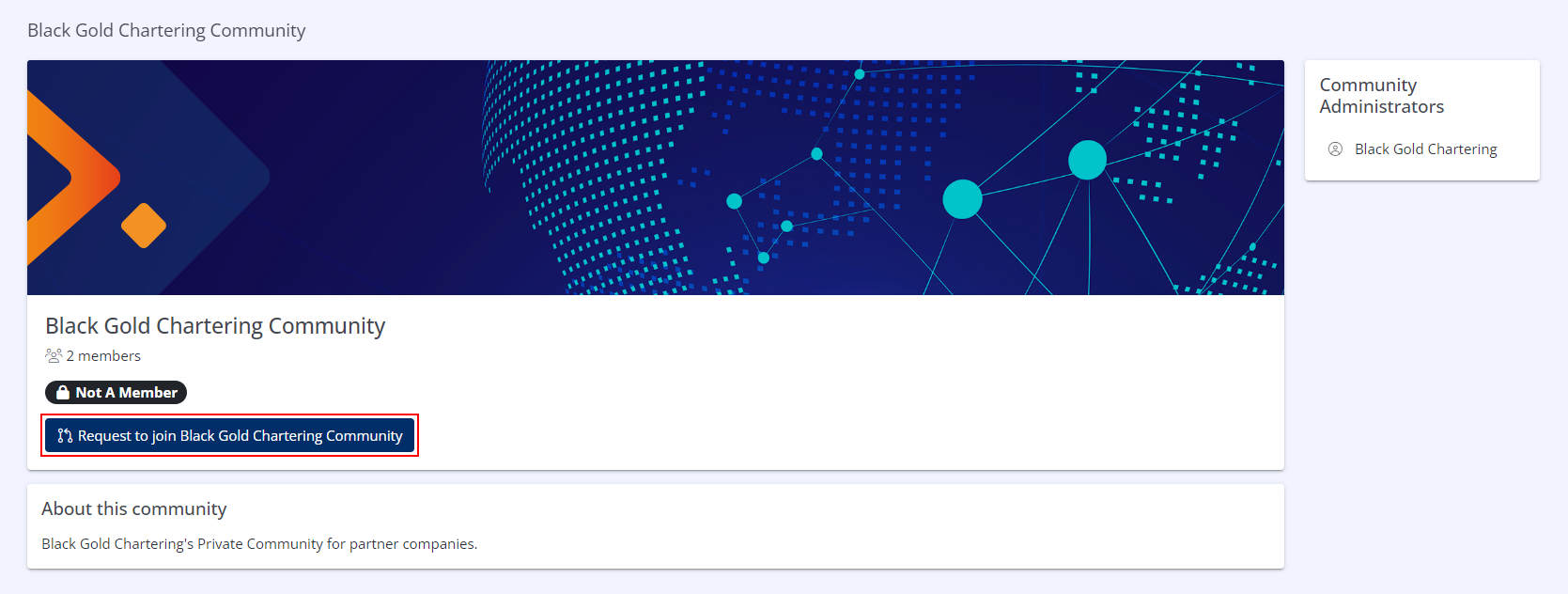
- From the Community Homepage, click Request to join Community
Provide Supporting Comments
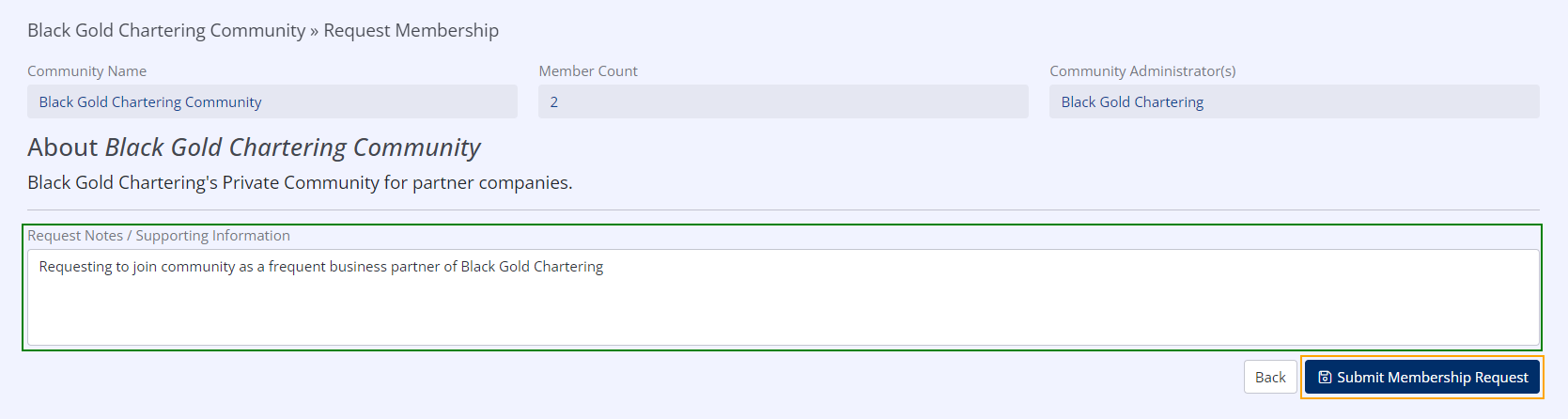
- In the Request Notes / Supporting Information field, provide any information that the Community Administrators may need when processing your join request.
- Click Submit Membership Request.
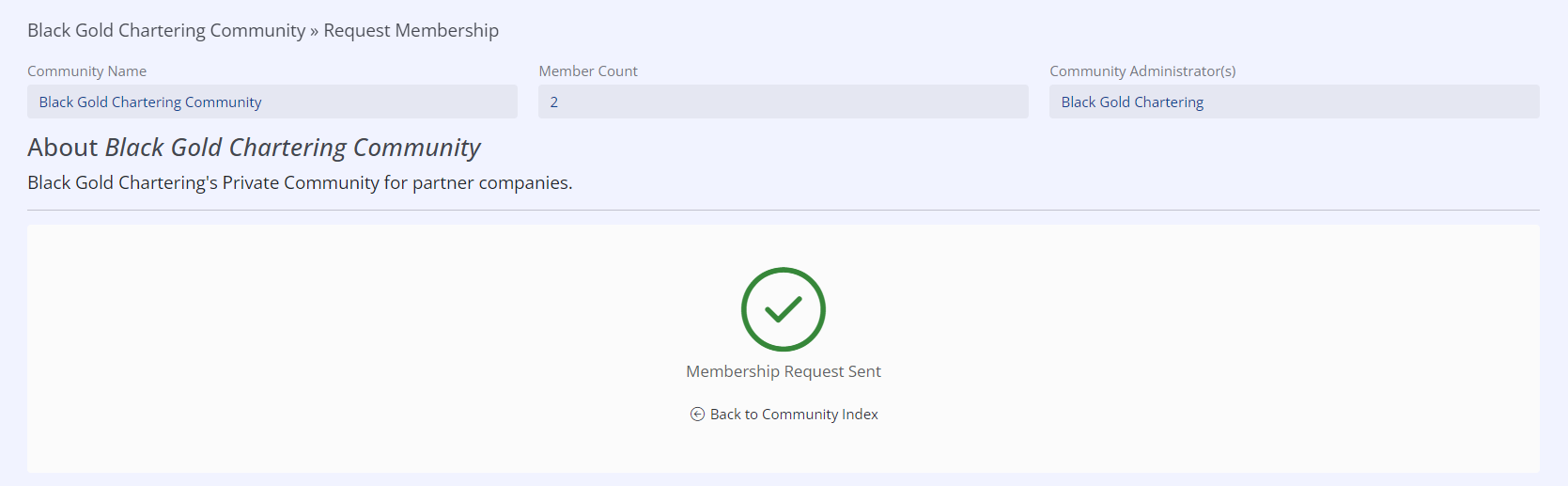
Your join request has now been submitted to the Community Administrators.