Last Revised: May 19, 2026
Bookmarking Records
Bookmarks are a convenient feature of Hub that allow users to locate Hub data (such as Hub Reports, Dialogues or Documents), based on their linked asset (Vessels, Companies or Terminals).
Tip
In this example a bookmark is applied to a Company Asset and used to filter all linked Documents.
Adding a Bookmark
From the asset screen, click the Add Bookmark button (  ) in the upper right.
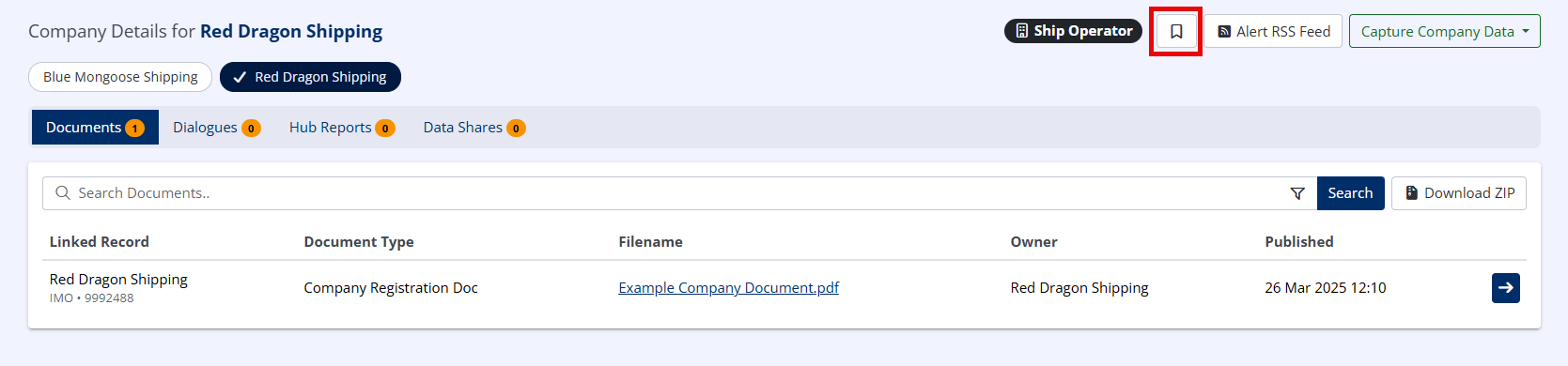
Filtering Data by Bookmark Status
Navigate to an index e.g. Documents by clicking the Available Hub Data button (  ) in the upper right, and clicking Documents

Click the Bookmarked Records Only button ( ) in the upper right.
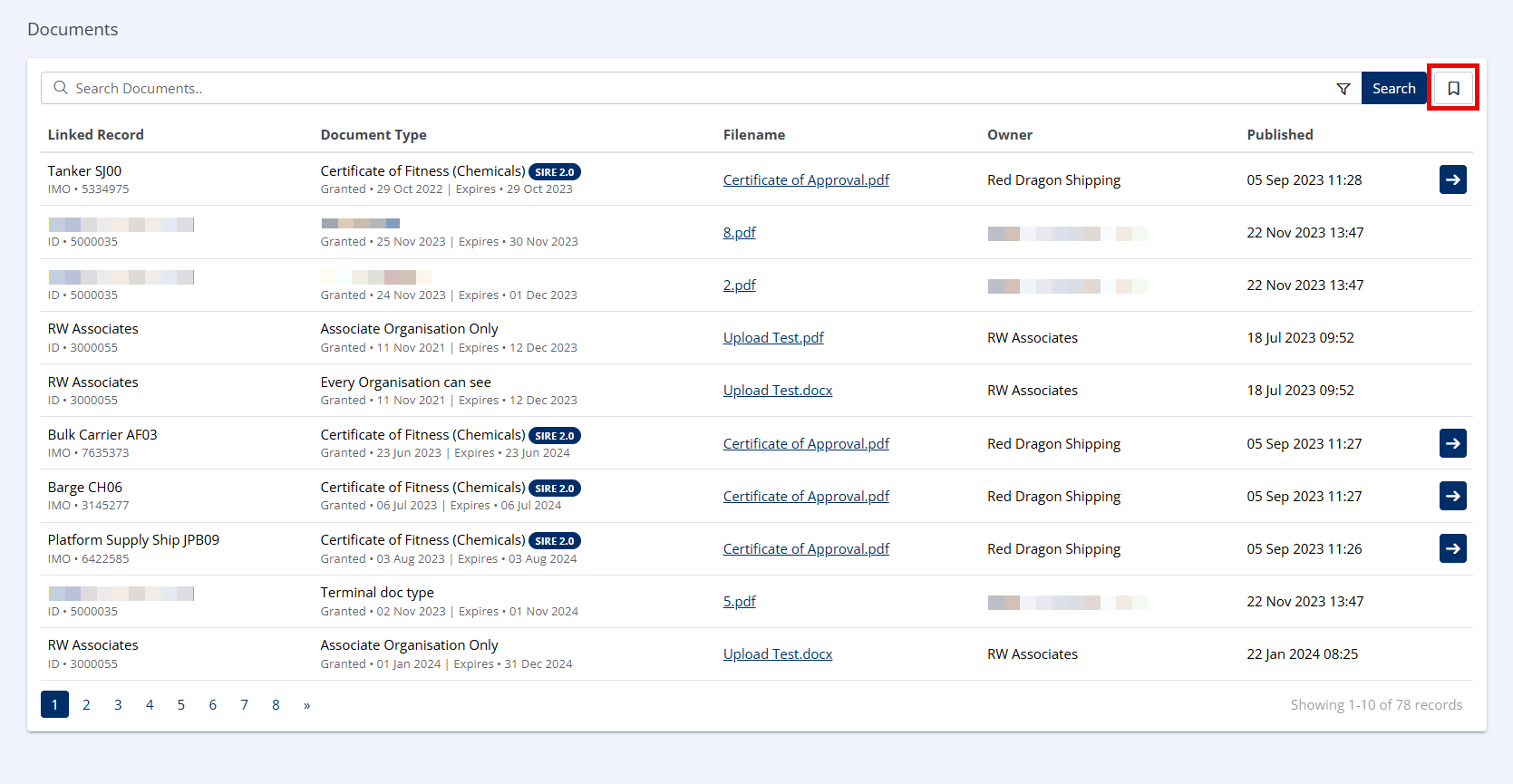
The display will be filtered to only show Documents linked to bookmarked Assets.
Info
The search bar and search filter may be used to further refine the search results.

Display Bookmarked Records Only on the Dashboard
Users may opt to only show Bookmarked Records on their Dashboard from their User Profile.